Answers · Spreadsheets
An AI data analyst for spreadsheets.
An AI data analyst for spreadsheets reads your sheets, answers questions about them in plain words and shows how it reached each number. For one file and a one-off question an AI chat works well; when the same questions come back every week, across several files or systems, a data workspace that keeps the data, the definitions and the answers is the better fit.
Updated 26 November 2026
What to look for
Seven things a spreadsheet analyst should do.
- Show its working. Which sheet, which columns, which rows were totalled. If you cannot see it, you will end up checking everything by hand.
- Read real exports. Title rows above the header, several sheets in one workbook, wide exports with a lookup tab: these should load without a clean-up first.
- Connect files to each other. Orders in one file, customers in another, invoices in a third. The tool should find how they line up and check it.
- Keep your definitions. Once you have said what counts as an active customer, it should not need telling again.
- Give the same answer twice. Asking the same question next week should give the same method, on the newer data.
- Say when the data cannot answer, instead of filling a gap with a plausible number.
- Protect personal data. Names, emails and phone numbers in a sheet should be masked before a person, or any AI, reads them.
Where a chat works, where a workspace is better
Pick by how often the question comes back.
Assistants built into spreadsheet apps are handy for writing a formula or tidying one sheet. The longer comparison is in spreadsheets plus an AI chat, or a data workspace, and the film on why not just use an AI chat.
How Storek does it
Your spreadsheets, kept in one live picture.
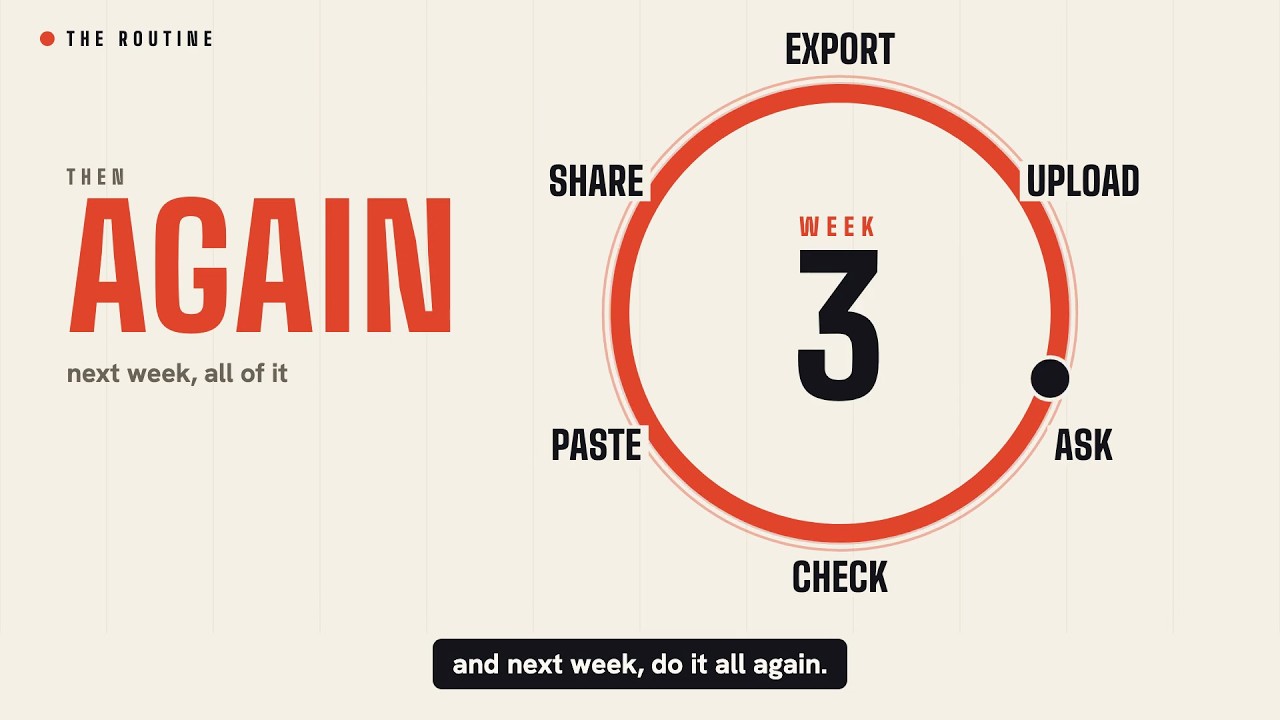
Bring your spreadsheets and exports into Storek once, along with any systems they came from. Storek works out how they connect, and anyone you give access can ask in plain words and get a chart, a table or a dashboard with the working attached. Definitions are agreed once, personal data is masked automatically, and a pinned answer stays answered as new files land, so the Monday report stops being rebuilt by hand.
If you are moving a spreadsheet report to a dashboard, our Excel to dashboard checklist works with any tool.
FAQ
Questions, answered.
Can an AI analyse my spreadsheet accurately?
It can, if it shows which rows and columns it used so you can check. Reported failures include reading the wrong column or a title row, and totalling the wrong rows, so an answer without its working should be checked by hand.
Should I use an AI chat or a data workspace for spreadsheet analysis?
Use a chat for a one-off question about one file. Use a workspace when the same questions come back, the data spans several files or systems, or a team needs the same numbers.
Does Storek work with Excel files?
Yes. Excel workbooks, CSV, JSON and Parquet files load directly, and each sheet in a workbook becomes its own table.
Ask by email · no call required
Have a specific question about your data stack? Ask by email.
Tell us what sources, tools, or reporting bottlenecks you're dealing with — we'll reply straight to your inbox, no call required.
Book a demo
See your own data in one live picture.
30 minutes. Your data or our sample. No slide deck. Pick a time straight after the form.