Platform how-to · Sales operations
From a raw CRM export to reports you can trust: a step-by-step clean-up for any CRM
Whatever CRM you use, the export looks the same on day one, a wide file of accounts, contacts and deals with a few surprises inside. Here is how to turn it into numbers people stop arguing about.
Josie Marchetti runs operations at Wrenfield, a 40-person company that sells scheduling software to dental practices. Wrenfield’s CRM is the kind many small teams pick: easy to set up, good for the sales team’s daily work, and not designed to be the place where the finance numbers get built.
When the investors asked for “customers this year, by region”, Josie exported the accounts to a spreadsheet and counted rows. She got 4,980. The billing system said a little over 4,100 practices paid an invoice this year. The gap was more than 800 customers, and the investor call was on Thursday.
None of the 800 were mysterious. They were the usual things hiding in any CRM export.
What hides in a raw CRM export
Whichever CRM you use, the export tends to carry the same handful of surprises:
- Test and demo records. “Test Practice”, “ACME Demo” and the sales rep’s own email address, created during onboarding and never removed.
- Duplicates. The same practice entered twice by two reps, or once by a web form and once by hand, under slightly different names.
- Inactive records the CRM hides. Archived or closed accounts that the CRM’s own views filter out but the export includes.
- Dates as text. “03/04/2026” means March in one office and April in another.
- IDs that lost their zeros. A customer number “00417” saved through a spreadsheet becomes “417” and stops matching billing. The leading zeros article covers this one.
- Status fields nobody agrees on. “Customer”, “Active”, “Live” and “Won” all used to mean the same thing at different times.
The clean-up, step by step
Export everything, including the IDs
Export accounts, contacts and deals with every ID column: the CRM’s own record ID, any billing or customer number, and owner IDs. IDs are what let you check the result against other systems later. Keep the raw export unchanged and work from a copy, or let a tool keep the original for you.
Remove test and demo records
Filter out records whose name or email matches your known test patterns, and records owned by test users. Keep the rule as a list you can add to, rather than deleting rows by hand, so next month’s export gets the same treatment.
Filter duplicates without deleting them
Group records that are the same company or person, using several clues together: email domain, phone, address and IDs, not just the name. Keep one record from each group in the report and leave the others in the CRM. The duplicate filtering guide explains how to pick which record represents the group.
Fix dates and statuses
Convert text dates with a clear rule for the date format, and map every status value to one agreed meaning, such as “customer = has paid an invoice in the last 12 months”. Write the mapping down.
Check against an independent source
Match the cleaned customer list to billing. Customers in both are confirmed. Customers only in the CRM may be churned or never paid. Customers only in billing may be missing from the CRM entirely. Either way, you now know the size of the gap and why.
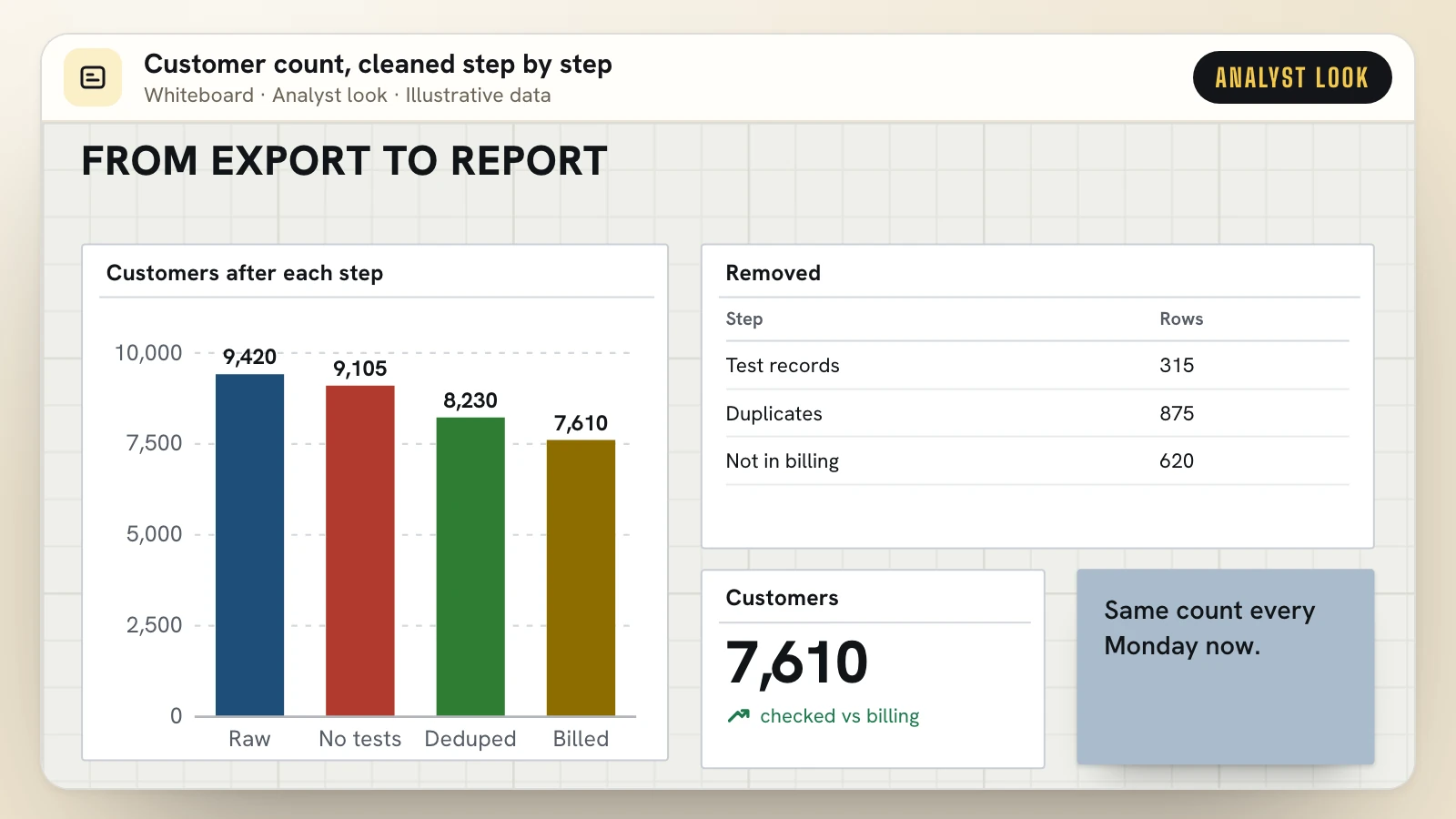
The chart at the top of the page shows how Wrenfield’s count moved at each step, from 4,980 rows to 4,120 customers confirmed by billing.
Doing it in Storek
Josie uploaded the CRM export and the billing export to Storek, along with a small spreadsheet of regions by postcode that the sales team kept. Storek detected that the CRM’s customer number and billing’s account number held the same values (once leading zeros were restored), proposed the links, and flagged likely duplicate accounts. She asked the investors’ question directly.
“How many customers paid us this year, by region, counting each practice once?”
- left out records matching the test and demo list
- grouped likely duplicate practices on email domain, phone and address, and counted each group once without deleting any record
- matched the remaining accounts to billing on customer number and kept those with a paid invoice this year
- added the region from the postcode spreadsheet
4,120 practices paid this year: 1,690 in the South, 1,240 in the Midwest, 780 in the West and 410 in the Northeast.
Dig deeper: see how it works
Every exclusion is listed with its reason, so the 860-row gap between the raw export and the answer can be explained line by line: 110 test records, 460 duplicate rows folded into their groups, and 290 accounts with no paid invoice this year. The duplicates stay in the CRM exactly as they were; they are only left out of this count.
“Paid this year” uses the definition the team agreed: at least one invoice with a paid date in the current calendar year.
For analysts
SELECT r.region, COUNT(DISTINCT a.duplicate_group_id) AS customers
FROM crm_accounts a
JOIN invoices i ON i.customer_number = a.customer_number
  AND i.status = 'paid' AND i.paid_date >= DATE_TRUNC('year', CURRENT_DATE)
LEFT JOIN regions r ON r.postcode = a.postcode
WHERE NOT a.is_test_record
GROUP BY r.region
ORDER BY customers DESC;
On Thursday, Josie showed the investors the number, the region split and one line explaining how it was counted. When an investor asked why the CRM had more accounts than that, she had the answer ready.
Keep it reliable next month
A clean report on Monday drifts by Friday if the rules live only in someone’s head. Three habits keep it steady:
Store the rules, not the cleaned file
Test patterns, duplicate rules, status mappings and the definition of “customer” should be saved once and applied to every new export. In Storek these become shared definitions, and each new upload goes through the same steps.
Load the whole export every time
Partial exports, such as “just this month’s new accounts”, are where duplicates and gaps creep back in. Storek keeps the full history of every upload in its data lake, so you can always compare this month’s export with last month’s.
Fix the source when you find a pattern
If one web form keeps creating duplicate accounts, fix the form. If one rep keeps leaving the region blank, make the field required. Reporting filters handle what’s already there; source fixes stop it growing.
Your first export
Pick one number someone keeps asking for, export the CRM data behind it, and run the five steps above. Then check it against billing. If you’d rather not rebuild the spreadsheet each month, upload the export to Storek, ask the question in plain words, and keep the answer as a dashboard that updates with every new export.